}}/../assets/images/xs/avatar1.jpg)
 }}/../public/assets/images/icon.svg)
 }}/../public/assets/images/user.png)
Documentation
Oculux - Minimal Laravel + Bootstrap 4x admin template
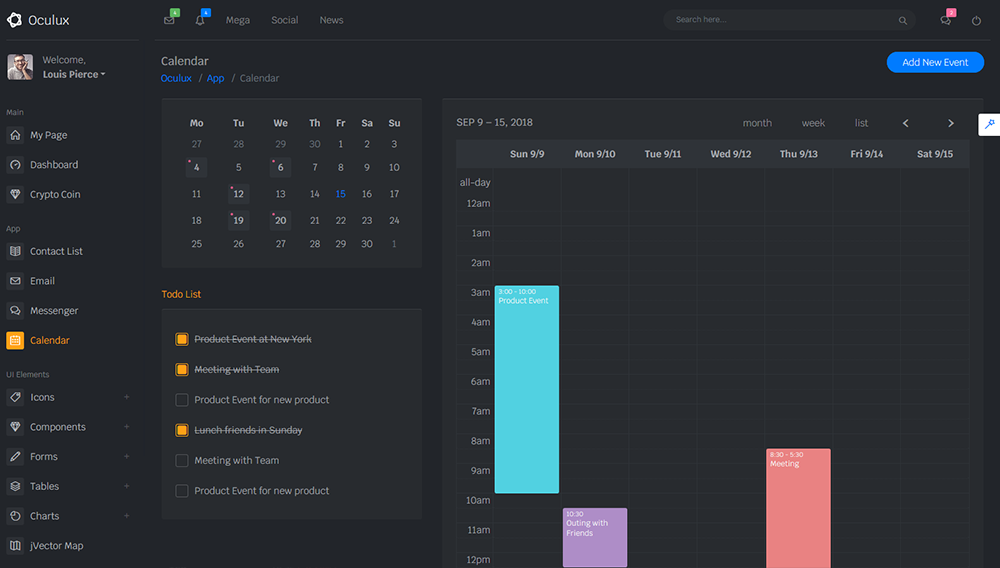
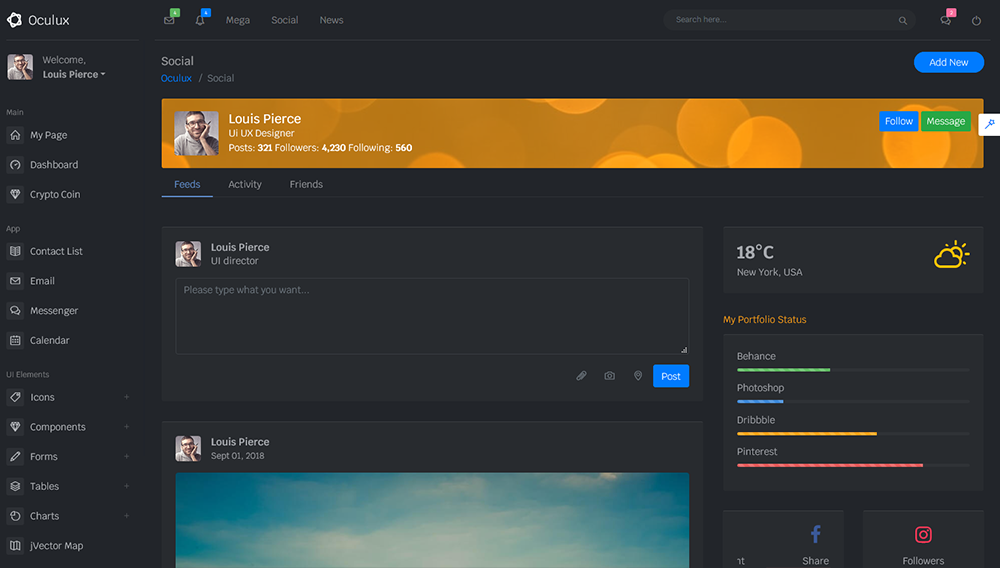
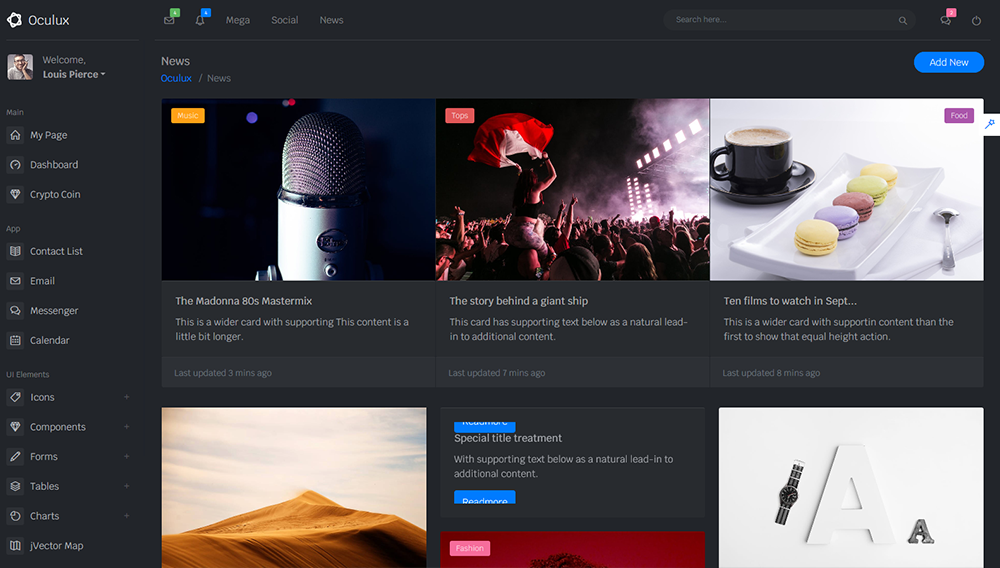
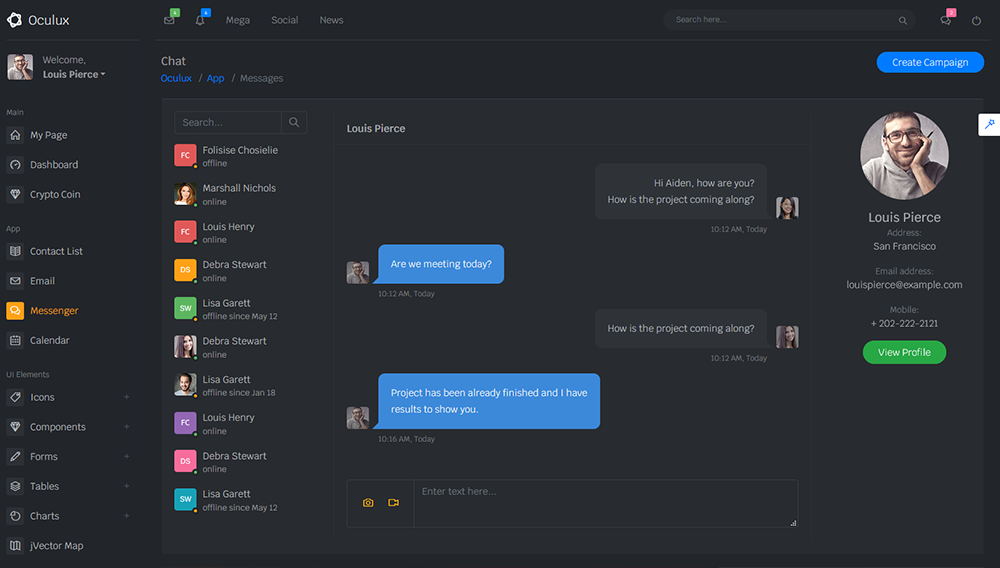
Oculux is a popular open source WebApp template for admin dashboards and admin panels. It’s responsive HTML template, which is based on the Bootstrap 4X framework. It utilizes all of the Bootstrap components in design and re-styles many commonly used plugins to create a consistent design that can be used as a user interface for backend applications.
- eMail: puffintheme@gmail.com
- Created: 01/Feb/2019
- Update: 26/Sept/2020
Brief Overview
Oculux is a popular Premium WebApp template for admin dashboards and admin panels.
It's responsive HTML template, which is based on the Bootstrap 4X framework. It utilizes all of the Bootstrap components in design and re-styles many commonly used plugins to create a consistent design that can be used as a user interface for backend applications.
Laravel 5.7
Laravel 5.7 is latest version of Laravel framework of PHP to develop web applications following the model–view–controller (MVC) architectural pattern and based on Symfony.
SASS Supported
SASS is completely compatible with all versions of CSS. We have included it, so that you can seamlessly use any
Valid & Clean Code
Well organized & simple to use code to facilitate your time.
Responsive Design
All the functions of this Bootstrap 4x Template are guaranteed to run smoothly with beautiful interface in every device like - Desktop, Laptop, iPad, iPhone and Retina Display
Mega Menu and Mobile Menu
Excellent mega menu is available to nevigate all the pages. Visitors can access all the pages from this menu
Easy Color Changes
Effortlessly change the color of element
- Bootstrap 4x
- Latest jQuery v3.3.1
- Built in SASS
- Light and Dark Version
- Fully Responsive
- Ready to used widget
- Detailed Documentation
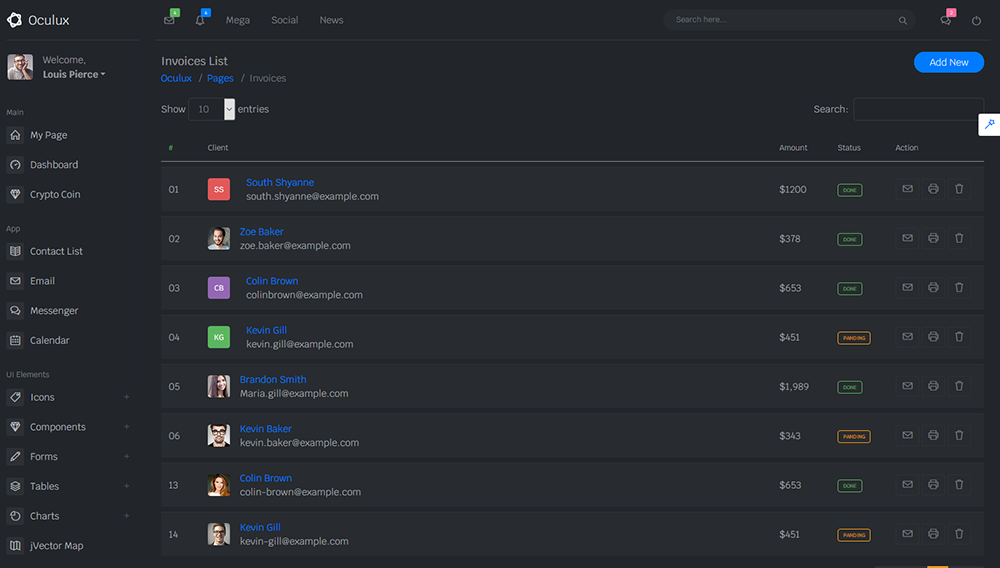
- Invoice
- User Profile
- Image Gallery
- Timeline
- Summernote
- Markdown
- Many Charts Options
- Form Examples
- Form Validation
- Advanced Form Elements
- Form Wizard
- Drag & Drop Upload
- Social
- Input Slider
- Date Picker
- Drag & Drop Upload
- Image Cropping
- Sortable & Nestable
- CKEditor
Server Requirements
Please make sure your server meets the following requirements.
- PHP >= 7.1.3
- OpenSSL PHP Extension
- PDO PHP Extension
- Mbstring PHP Extension
- Tokenizer PHP Extension
- XML PHP Extension
- Ctype PHP Extension
- JSON PHP Extension
- BCMath PHP Extension
Installation
Please make sure your server meets the following requirements.
1. Download
Download the theme files from your account and place on your server.
2. Composer
Laravel project dependencies are managed through the PHP Composer tool. The first step is to install the depencencies by navigating into your project in terminal and type following command:
composer install
3. NPM/Yarn
For NPM, you have to run following command from the root of the project in terminal:
npm install
4. Change Environment Configuration Files
This package ships with a .env. file in the root of the project. Change/Update your desired variables in this file.
Reference: https://laravel.com/docs/5.7/installation
Grunt File & Installation The JavaScript Task Runner.
Installing Grunt: Run npm install grunt --save-dev command from your teminal to install grunt within your project.
Grunt Sass: Run grunt sass command from your project directory. It will compile SASS to CSS for the project. This will read the file `assets/scss/filename.scss` and output a plain-css file to `/assets/css/filename.css`.
Grunt JSHint: Run grunt jshint command from your project directory. It will checks all *.js files under `assetsjs/filename` for common syntax or coding errors using the JSHint utility.
Grunt Sprite: Run grunt sprite command from your project directory.
Further help: To get more help on the grunt checkout Grunt
Note: However, any SASS code you write must be able compile via Grunt as well.It will generate pre-compiled javascript templates. Reads all the *.html files from `assets/js/filename` and outputs `assets/js/filename.templates.js`. Template.js will contains code of UI design and will be change each time you build solution through above command.
Grunt is a JavaScript task runner, a tool used to automatically perform frequent tasks such as minification, compilation, unit testing, and linting. It uses a command-line interface to run custom tasks defined in a file.
Please note that all Detail main Web Site, you need to set it up on your project Click Here..
main.css is the main CSS file located in assets/css/ folder of the package. Whole CSS file is well indexed with topic and its related code.
<!-- START CONTENT -->
body {
    @include transition(all .3s ease-in-out);
    background-color: $body-color;
    font-weight: $font-weight-400;
	font-family: $font-family;
	font-size: $font-size;
    color: $font-color;
}
a {
	&:hover,
	&:focus {
		color: $link-color-hover;
		text-decoration: none;
	}
}
<!-- END CONTENT -->
<!-- START CONTENT -->
<div class="page-loader-wrapper">
    <div class="loader">
    </div>
</div>

<div class="themesetting">

</div>

<div id="wrapper">
    <nav class="navbar navbar-fixed-top">

    </nav>
    <div id="megamenu" class="megamenu vivify driveInTop">

    </div>
    <div id="rightbar" class="rightbar">

    </div>
    <div id="left-sidebar" class="sidebar">
        <div class="sidebar-scroll">
            <div class="user-account">
            </div>
            <nav id="left-sidebar-nav" class="sidebar-nav">
            </nav>
        </div>
    </div>

    <div id="main-content">
        <div class="block-header">

        </div>
        <div class="container-fluid">

        </div>
    </div>
</div>
<!-- END CONTENT -->
We follow standard Laravel fodler structure and other created files are as following
Template assets files can be located at
/public/assets/*Routes can be located at
/routes/web.phpController files can be located at
/app/Http/Controllers/*View files can be located at
/resources/views/*Layout files can be located at
/resources/views/layout/master.blade.php/resources/views/layout/authentication.blade.php
Navigation Bar and Sidebar can be located at
/resources/views/layout/navbar.blade.php/resources/views/layout/sidebar.blade.php
Default Error page can be locate at
/resources/views/errors/404.blade.phpOculux admin.js is the mail javascript file having all the js code. File is located in assets/js/ folder. This file code is also well formatted and section in different respective function names.
Along with this chart library based js code and dashboard based js code are added in separate files for ease of use of user.
<!-- START CONTENT -->
function initSparkline() {
	$(".sparkline").each(function() {
		var $this = $(this);
		$this.sparkline('html', $this.data());
	});

	// Bar charts using inline values
	$('.sparkbar').sparkline('html', { type: 'bar' });
}
<!-- END CONTENT -->
- Google fonts are used in the template. Krub
- Font Awesome: Click to See
- All Images are used: Pexels.com
- Animation css are used: vivify
- Bootstrap framework Bootstrap
- Jquery Jquery
- Datatables Click to See
- Full Calendar Calendar
- Sparkline Click to See
- Vector Maps Click to See
- jquery steps Click to See
- Image cropper Click to See
- Summernote Click to See
- Form Drag & Drop Click to See
Once again, thank you so much for purchasing this template. As I said at the beginning, I'd be glad to help you if you have any questions relating to this template.
Thank you for Purchasing Our Template (template name)
REGULAR SUPPORT : You have in template support if you face any issue with the usage of it then you can contact us on below Email ID.
EXTENDED SUPPORT : Development it is chargeable according to your requirement. For that you need to mail us your requirement on below Email ID.
COST OF SERVICE : Depends on the hours required. But as you are already using our template we have discounted rates for our template customer.
EXTENDED LICENSE : With the Extended Support we also include Extended License. So you save much more with your investment than you will with purchasing Regular License and later buying Extended one + Development cost.
You will get a quick reply from our team and feel free to contact us. We don’t charge for requirement discussion so don’t worry.
Contact Us : puffintheme@gmail.com
Skype : puffintheme